MyNetQ Blog
Simple, practical guides about internet speed, ping, Wi-Fi, DNS and home network security. Learn what your numbers mean and how to fix common connection problems.
All guides
 Basics
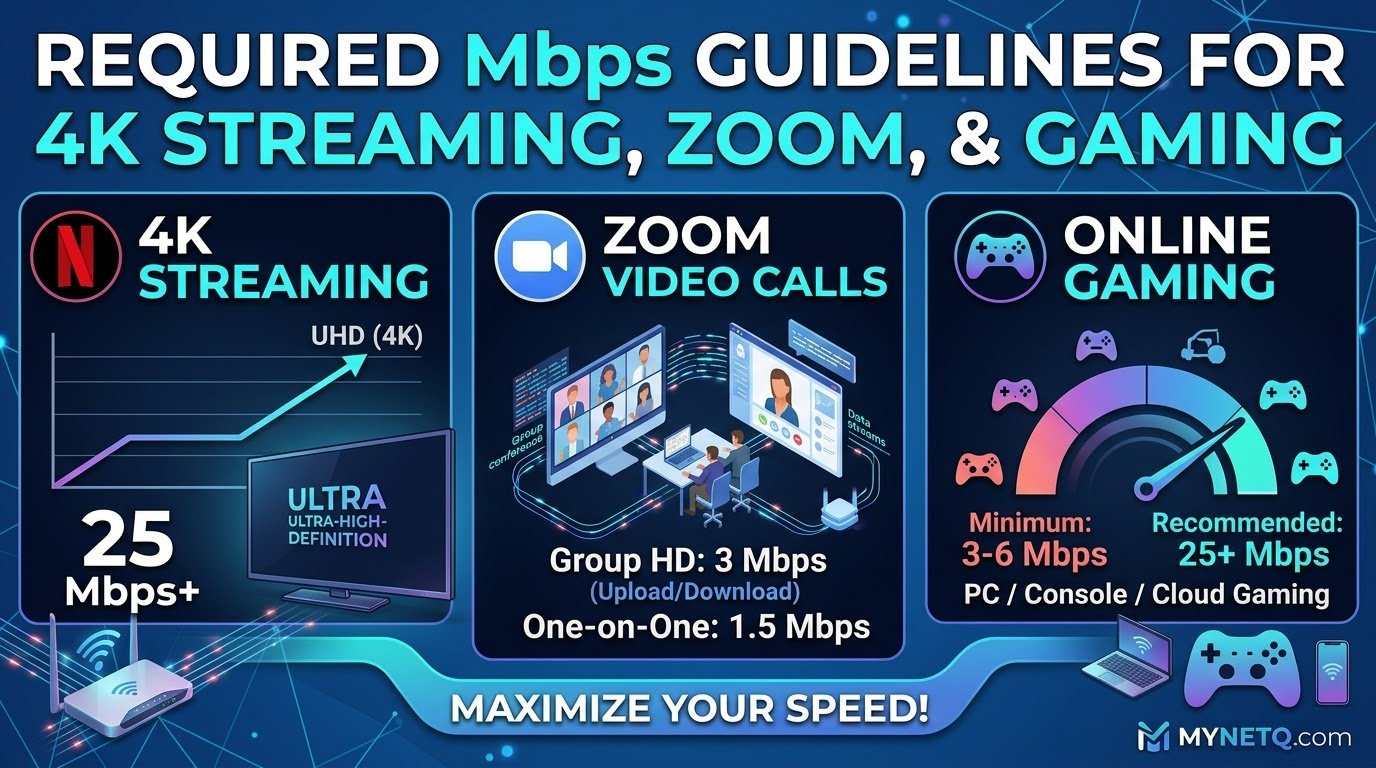
How Many Mbps Do You Need for 4K, Zoom and Gaming?
Recommended download and upload speeds for streaming, video calls, gaming and working from home.
Read guide →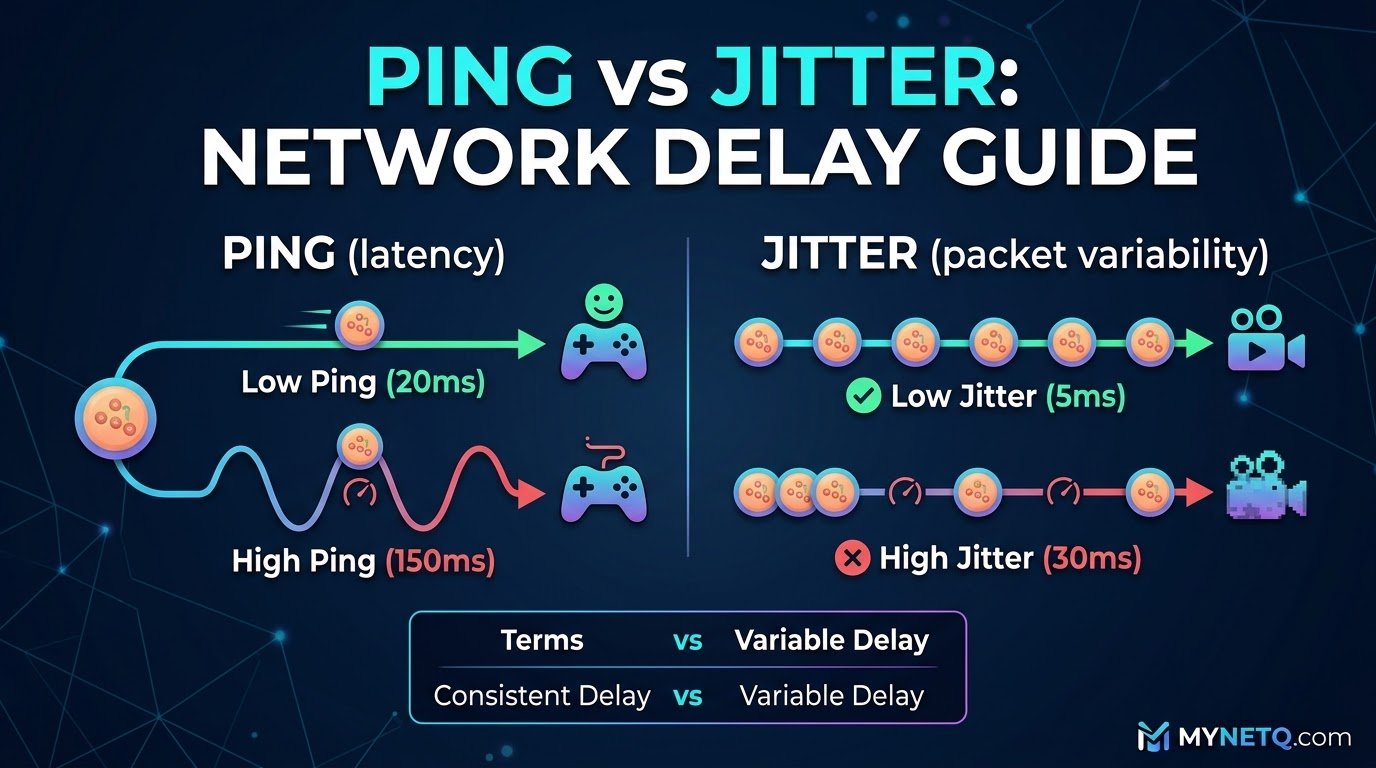 Gaming
What Is Ping and Jitter?
Understand ping, jitter and latency, and which numbers are good for gaming and video calls.
Read guide →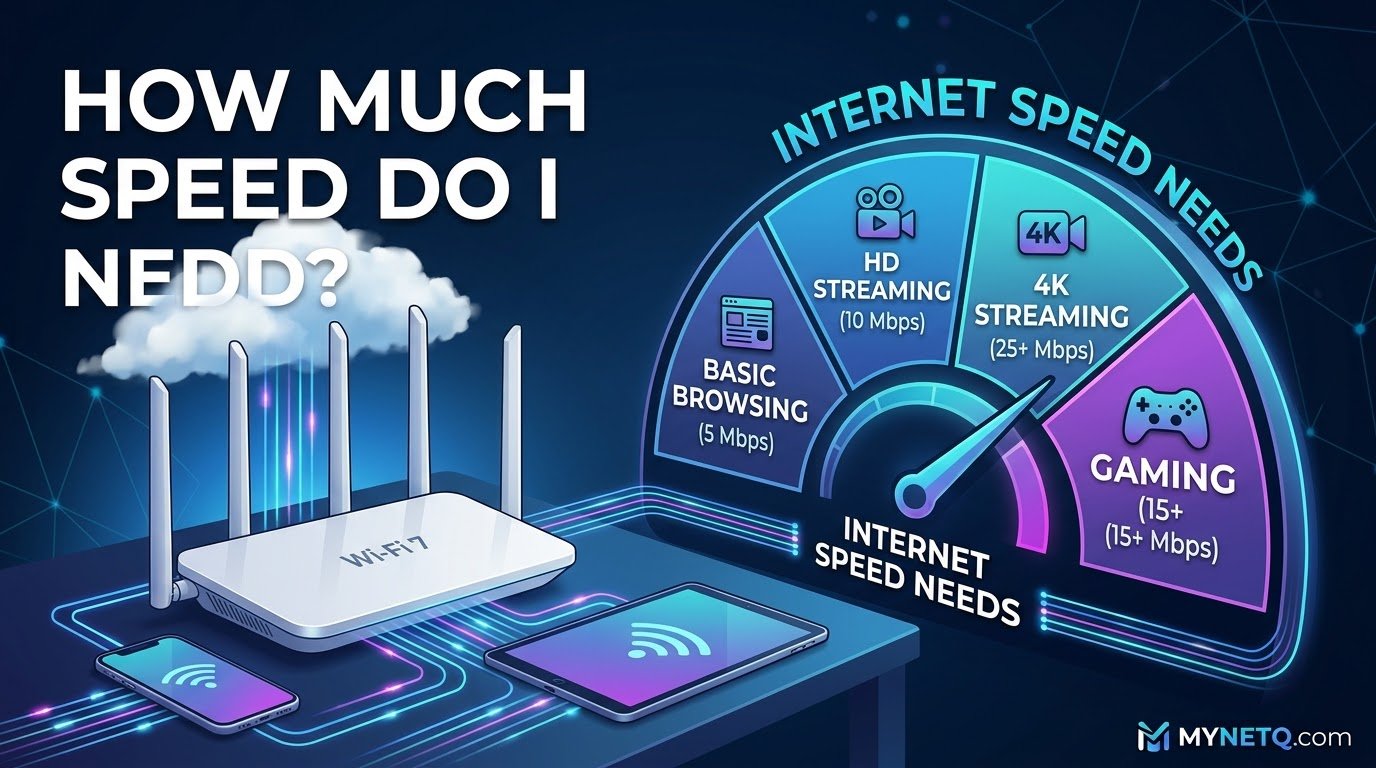 Basics
How Much Internet Speed Do I Need?
See how many Mbps you need for streaming, video calls, gaming and working from home.
Read guide →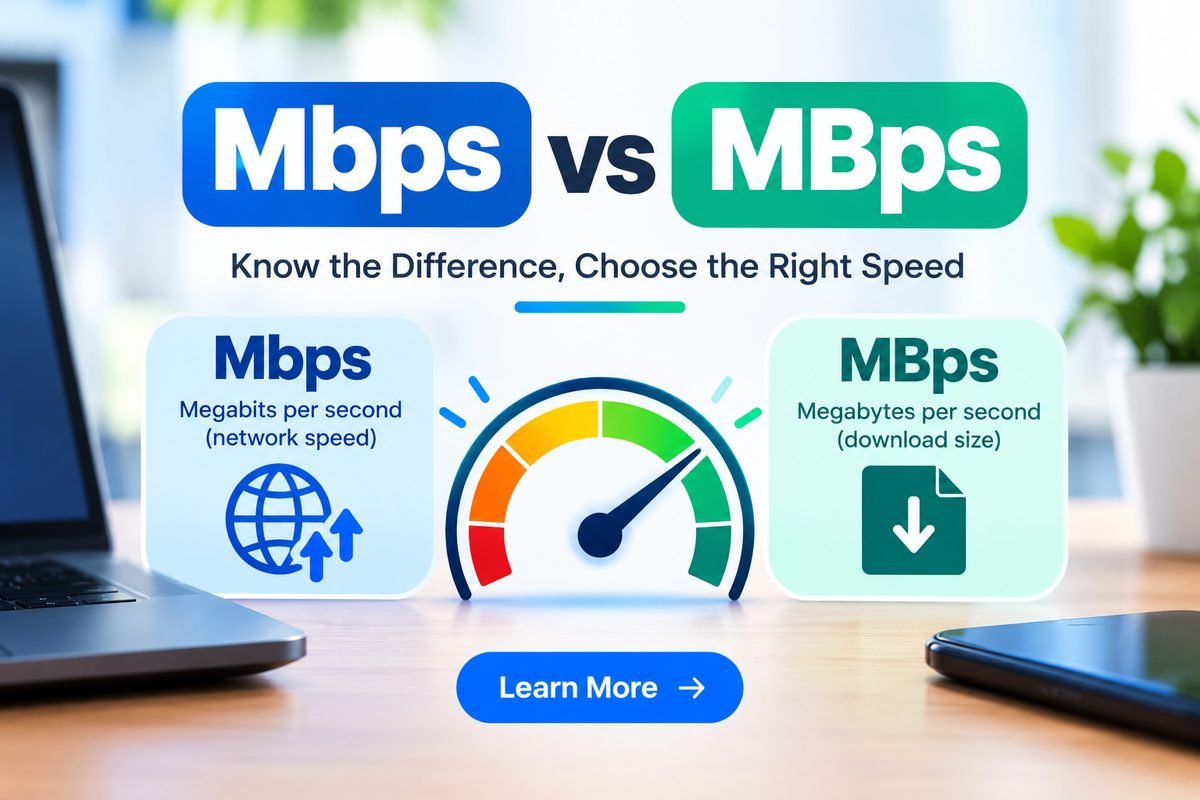 Basics
Mbps vs MBps: What's the Difference?
Learn why 1 MBps equals 8 Mbps, how to convert between them, and why your downloads look slower than your plan.
Read guide → Basics
How to Test Starlink Internet Speed Accurately
Dish obstructions, Bypass Mode and satellite handover explained, with steps for a reliable Starlink speed test.
Read guide →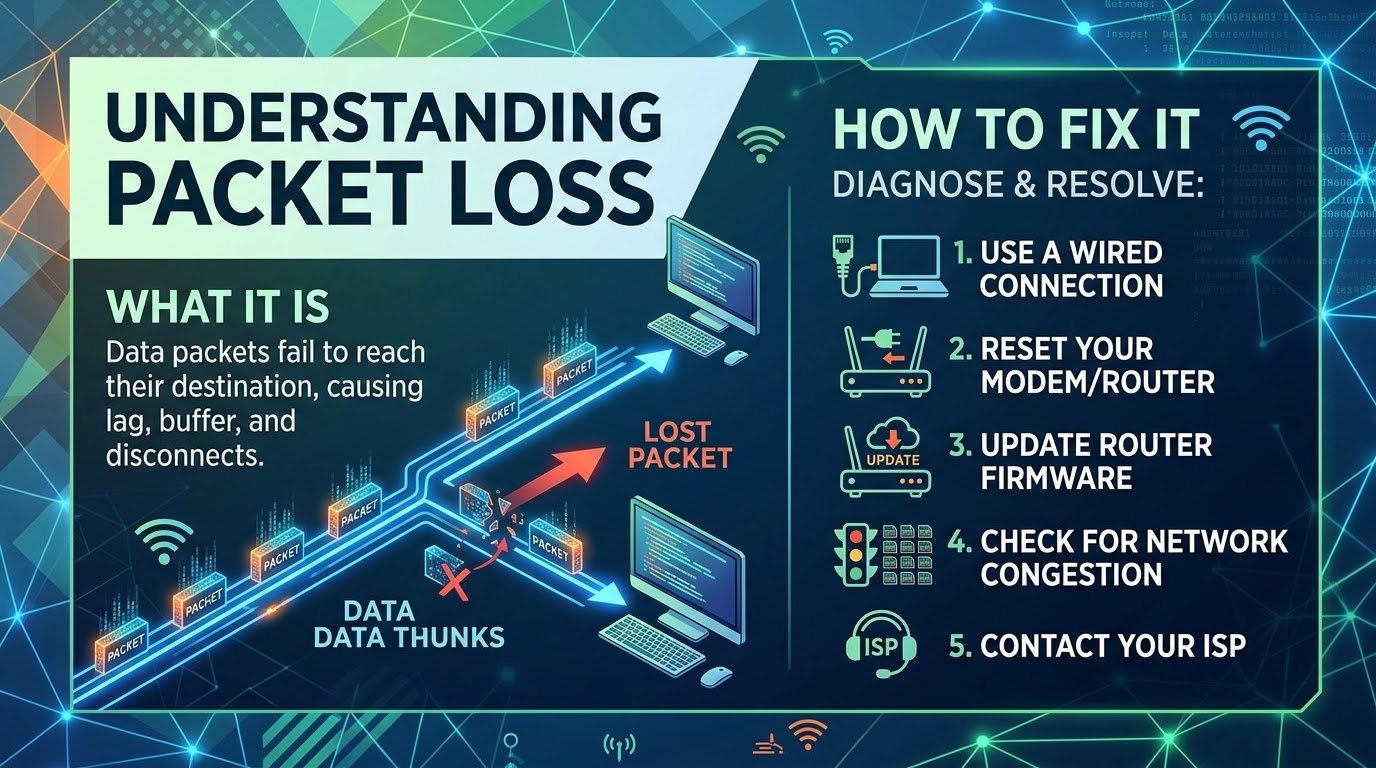 Gaming
What Is Packet Loss and How to Fix It?
Find out what causes lag, buffering and disconnects, and how to fix packet loss at home.
Read guide →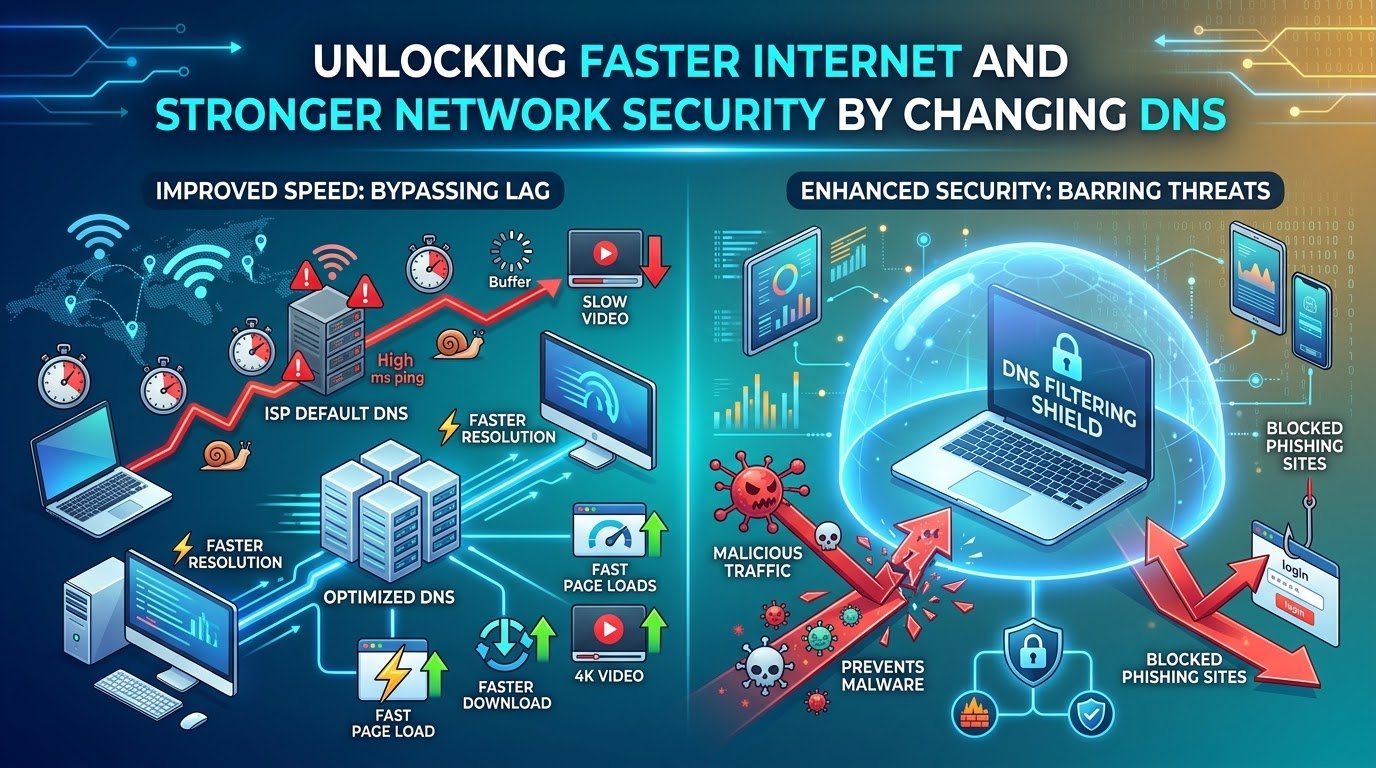 Basics
How to Change DNS for Faster Internet and Security
Compare Cloudflare, Google and Quad9 DNS and change your DNS on Windows, Android and iOS.
Read guide → Security
Best Public DNS Servers for Speed, Security and Gaming
Compare Cloudflare, Google and Quad9 DNS for lookup speed, privacy and malware blocking.
Read guide →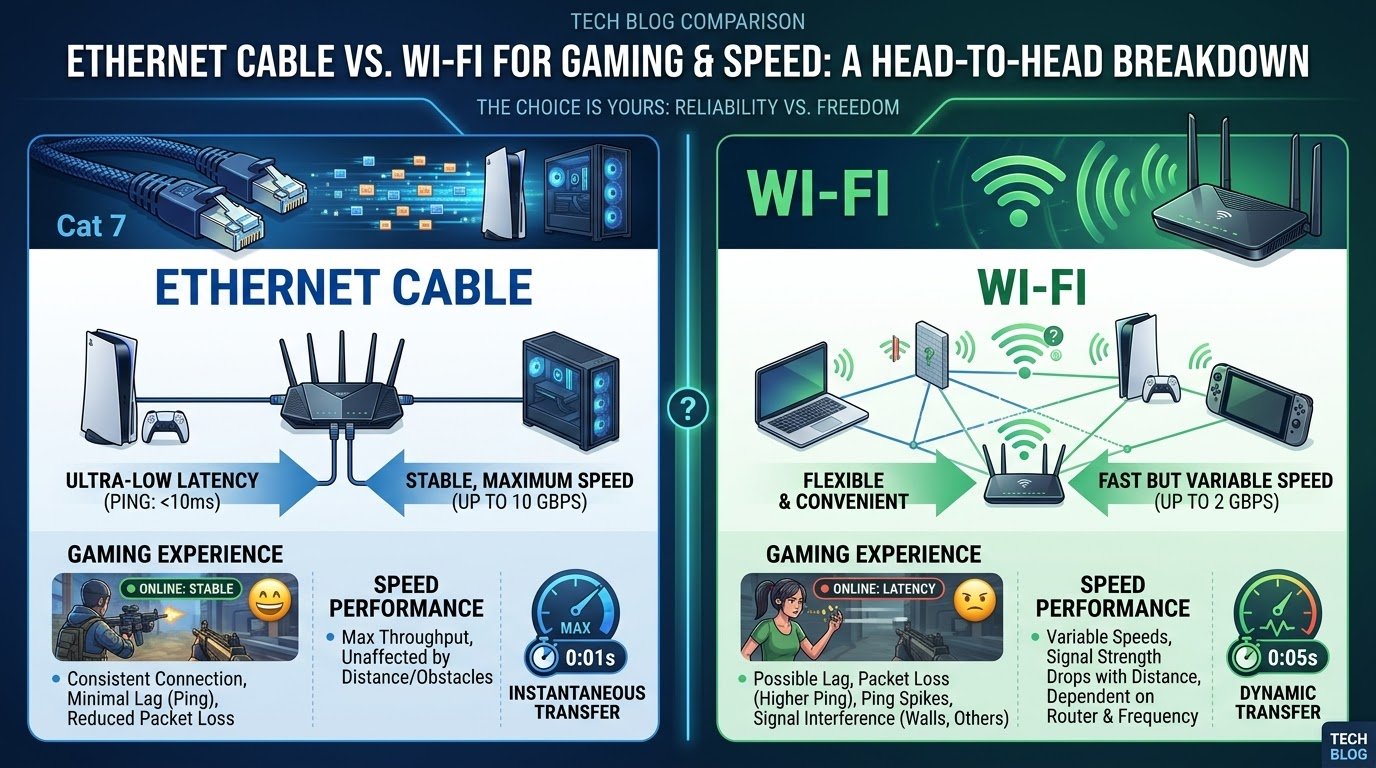 Gaming
Ethernet Cable vs. Wi-Fi: Which Is Better?
Compare speed, ping and stability of wired and wireless connections for gaming and downloads.
Read guide → Gaming
Router Settings for Low Ping and Smooth Online Gaming
Set up QoS, fix bufferbloat and prioritize game traffic for lower ping.
Read guide →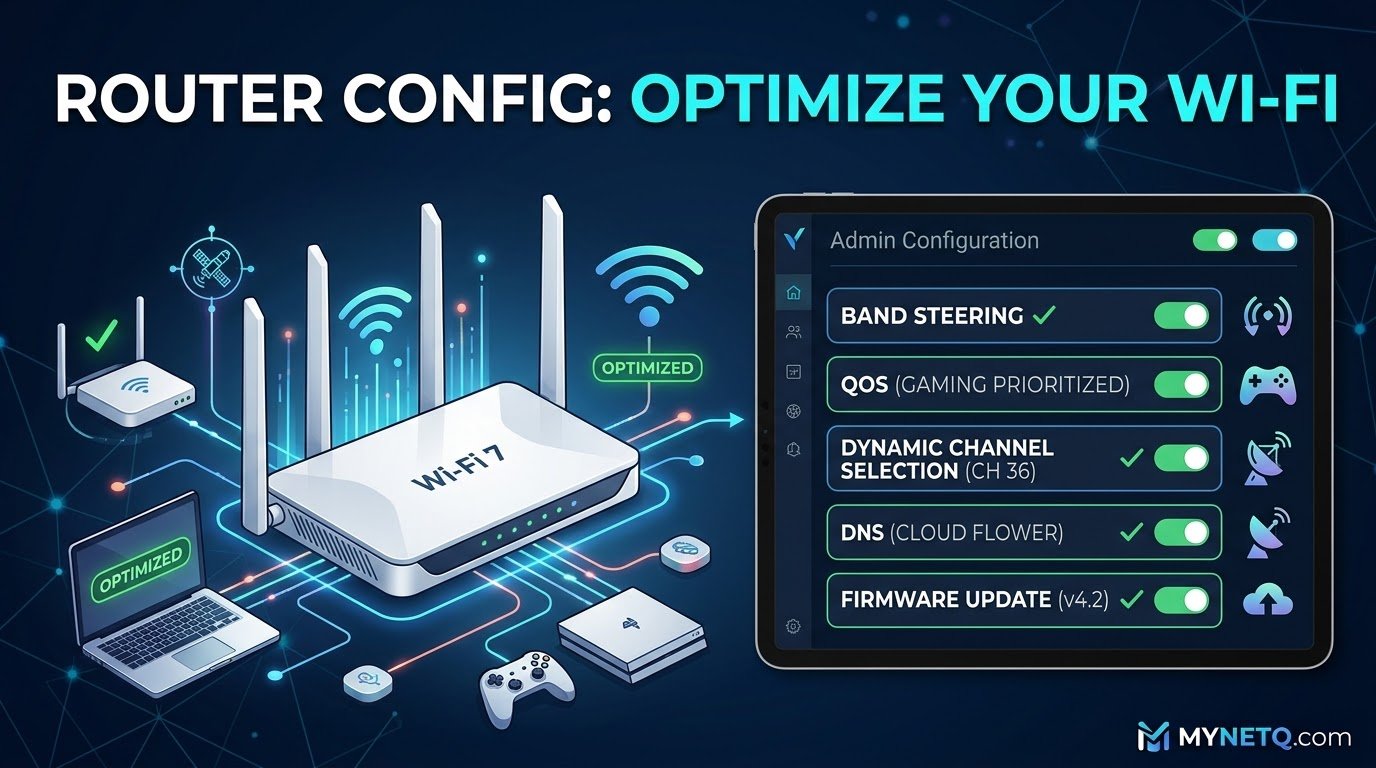 Wi-Fi
Best Wi-Fi Router Settings for Speed and Low Ping
Choose the right band and channel, enable QoS and update firmware for a faster, steadier connection.
Read guide → Wi-Fi
How to Increase Internet Speed: 15 Proven Tips
15 practical ways to speed up Wi-Fi, reduce interference and get better performance from your router.
Read guide → Wi-Fi
Why Is My Wi-Fi Slow?
Common reasons your Wi-Fi feels slow and simple fixes you can try at home.
Read guide → Wi-Fi
How to Fix Frequent Internet Disconnections and High Lag
Fix unstable Wi-Fi with simple steps: channels, interference, firmware and an ethernet test.
Read guide → Basics
Fiber vs. Cable Internet: Which Is Best?
Compare speed, upload, latency and reliability of fiber and cable for home or business.
Read guide → Basics
5G Home Internet vs. Cable Broadband
Is fixed wireless ready to replace cables? Setup, speed and cost compared.
Read guide → Security
How to Secure Your Home Wi-Fi Network
Enable WPA3, turn off WPS and put smart devices on a guest network.
Read guide → Basics
How Much Internet Speed Do You Need for Remote Work?
Download and upload speeds for office work, video calls and heavy remote jobs.
Read guide → Wi-Fi
Wi-Fi Extenders vs. Mesh Networks: Fix Dead Zones
Why mesh keeps full speed and roaming while basic extenders halve your bandwidth.
Read guide → Wi-Fi
Smart Home Networks: 2.4 GHz vs. 5 GHz
Which devices belong on 2.4 GHz and which on 5 GHz or 6 GHz.
Read guide →Frequently asked questions
Which guide should I read first?
Start with How Much Internet Speed Do I Need? and What Is Ping and Jitter? to understand your numbers, then read the troubleshooting guides if something feels slow.
Are the guides free?
Yes. All MyNetQ guides are free to read in your browser, with no sign-up required.
How often are the guides updated?
We review articles when networking standards, software or provider services change. Each article shows its publication date, and we add new guides regularly.